step 1
The functionalities and visualisation may vary depending on the business unit and the role of each employee.
REQUIREMENTS
– A digital device with Android or iOS (iPhone/iPad).
– A internet connection (Wi-Fi recommended for downloads).
– Active KAEFER corporate email address and password.
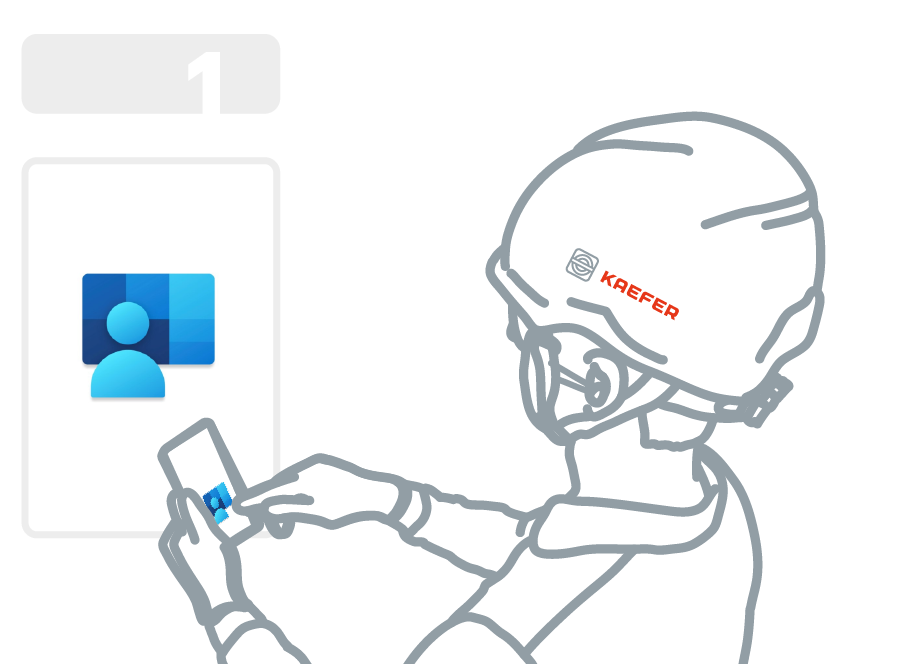
1. Download the Company Portal
1. Open the app store on your mobile device, locate the Play Store icon (a multicolored triangle).
– Google Play Store (Android)
– App Store (iPhone)

2. Tap the icon to open the Google Play Store.

3. Search for the Company Portal App
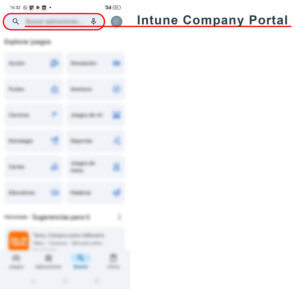
– In the Play Store, tap on the search bar at the top of the screen.
– Type “Intune Company Portal” and press the search icon on the keyboard.
– In the search results, look for “Intune Company Portal” by Microsoft Corporation and tap on the app icon to open it.
– Ensure it has the official Microsoft logo.
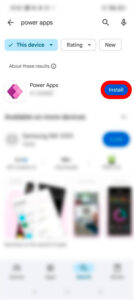
4. On the app’s details page, tap Install and wait for the installation to complete (this may take a few minutes depending on your internet connection).