

Our logistics application is a end-to-end solution designed to efficiently track our materials at warehouse and workshop. Each material has been assigned a unique QR code, allowing us to search it precisely.
In addition to material coding, the different areas within the storage zone should also be coded according to the level of detail with which location control is desired. This process is part of the logistics strategy and should be completed prior to material reception. For instance, if a single location is designated for a warehouse, we will only have that information; on the other hand, if the space is divided into sections and multiple height, the level of detail will increase. These approaches cannot be classified as better or worse, but rather will be chosen based on the specific needs that arise.
This planning involves a meticulous assessment of the materials we will need to store, along with their respective volumes. It is equally vital to determine the frequency of supplies and take into account the availability of open spaces for material handling, among other aspects to consider.
For further details on how to adequately define this warehouse strategy, you will find comprehensive information in the section dedicated to creating a storage distribution. This section will provide precise insights into optimizing the arrangement of materials within the warehouse, ensuring a streamlined and organized flow throughout the project’s progression.
How to define a logistics strategy?
InPact offers two free and accessible solutions through the company account to facilitate the searching of materials within the warehouse.
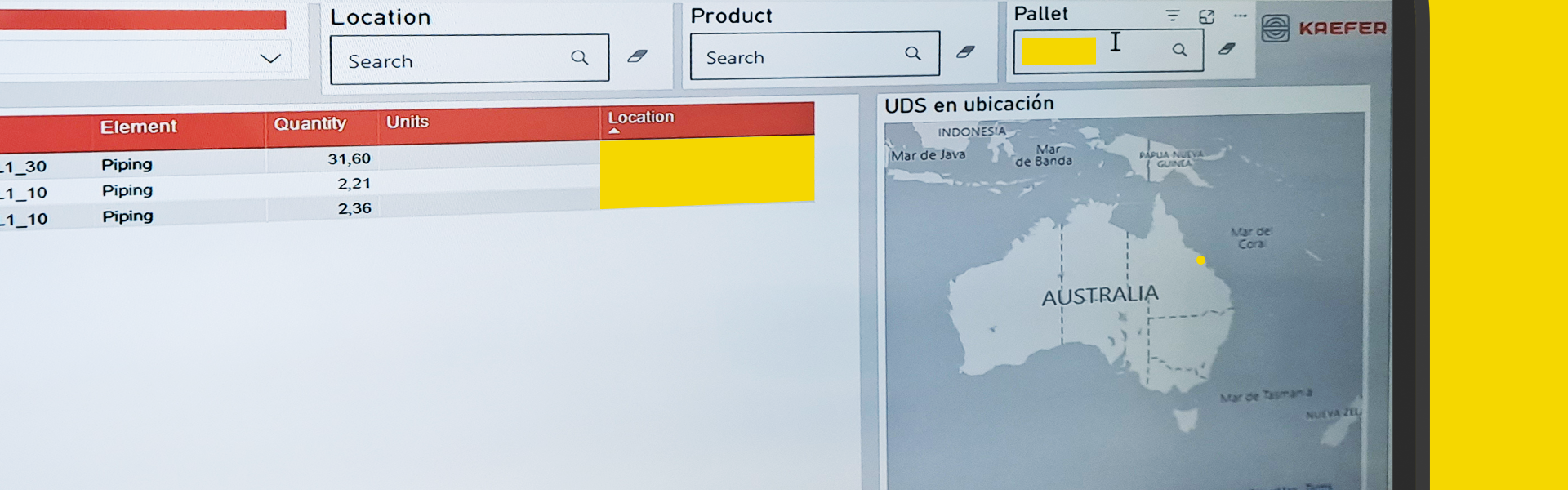
The first option revolves around the utilization of our LOGISTICS APP, while the second option is presented through an interactive Power BI report, primarily tailored for office work, providing a comprehensive view of the location of both stored and consumed material.

Searching material with LOGISTICS APP
QR code scanning at location:
Once you access the application, select the search icon available on the home screen. From there, you can choose to scan the QR code of the specific location within the warehouse. Once scanned, the application will provide you with information about which materials are in that particular location. This allows you to quickly access details and availability of materials in that area.
Filtering search
Another option within the mobile application is to use a filter to search for the materials you need. You can apply the filter based on location, piece, or box reference. This simplifies the task of finding specific materials by allowing you to navigate through the materials list according to your requirements.